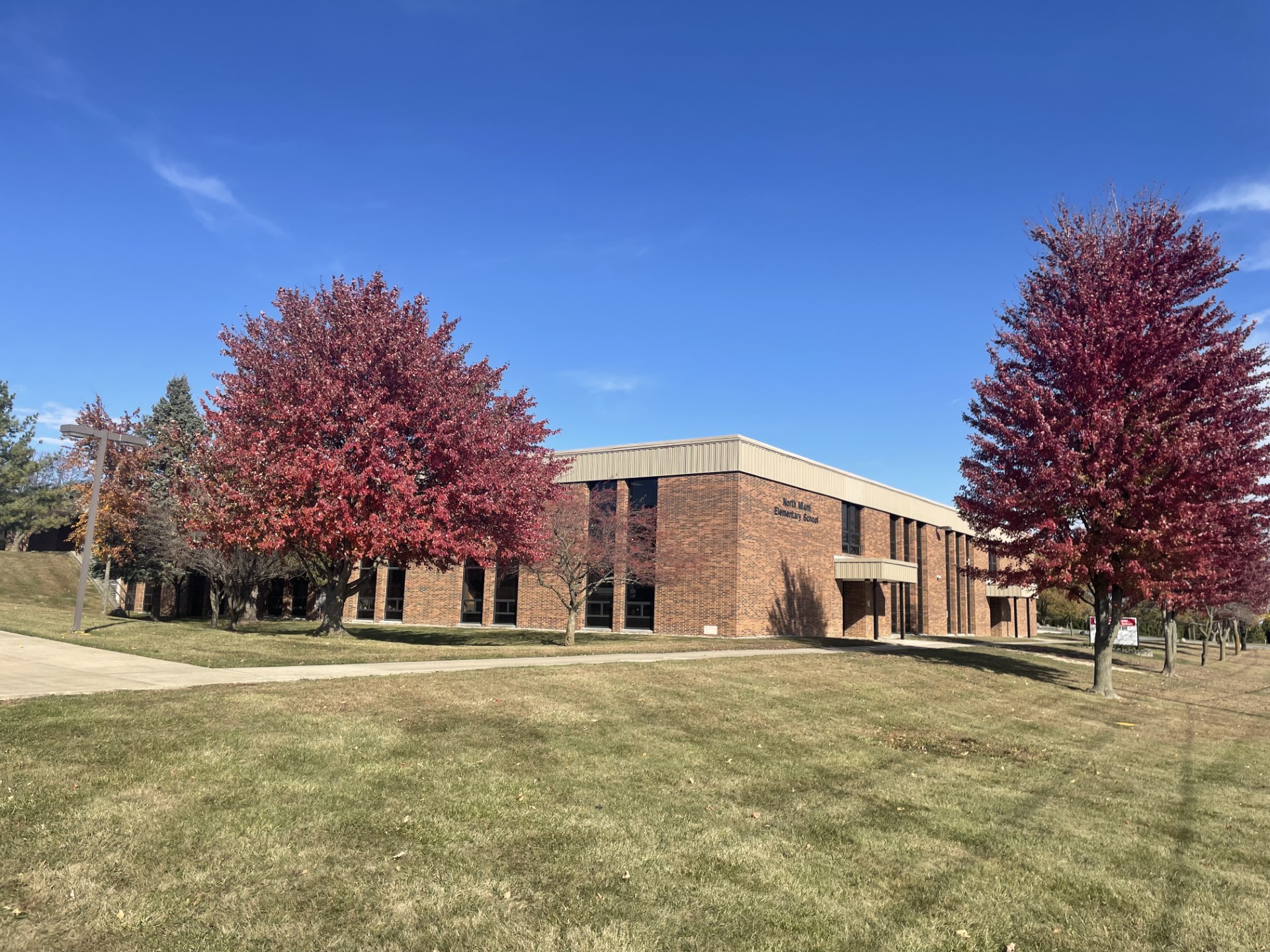
North Miami Elementary School
632 E. 900 N. Denver, IN 46926
Phone: (765) 985-2251
Fax: (765) 985-2058
Grades: Pre-K – 6th
Enrollment: 446 students
Principal: Danielle Galbraith
Assistant Principal: Bailey Rouch
Office Hours: 7:30 AM – 4:00 PM
Instruction Hours: 8:20 AM – 3:10 PM
 Welcome to North Miami Elementary School!
Dear Families and Community Members,
Welcome to NMES, where every child is known, valued, and inspired to achieve their best. As the proud principal of this outstanding elementary school, I am honored to work alongside a dedicated team of educators, staff, and families who are committed to nurturing the academic, social, and emotional growth of every student.
At NMES, we believe in fostering a positive, inclusive learning environment that encourages curiosity, creativity, and collaboration. Our focus on high-quality instruction, strong character development, and meaningful relationships ensures that students not only succeed academically but also grow into kind, confident, and responsible individuals.
We are proud of our achievements and continually strive for excellence. Whether you're a returning family or new to our community, I invite you to explore our website, visit our campus, and get involved. Together, we can make these formative years joyful, productive, and memorable for every child.
Thank you for being a vital part of our school family. Here's to another wonderful year of learning and growth!
Warm regards,
Mrs. Danielle M. Galbraith,
North Miami Elementary School Principal
#proudtobeawarrior